
Why Slaide decks are plain text files
Slaide keeps a slide deck in one plain-text file, so it diffs in git, reviews like code, and an agent can write it without touching a GUI.
A deck usually ends up as a binary file in a shared drive. That gives it three problems: you cannot diff it, you cannot review it, and you cannot automate it. The fix is boring. Make the deck a text file.
What is a .slaide file?
It is Markdown for the words. The design lives in a small YAML file called a master, and the deck refers to it by name. A small deck looks like this.
---
master: ./theme.slaide.yaml
title: My Talk
---
layout: title-content
---
## The problem
- You cannot diff a binary deck
- You cannot review it
- You cannot generate it without a GUI
That file renders to a web deck, to a PDF, and to a .pptx with real text boxes and shapes. Same source, three outputs.
Why does the source format matter so much?
Because everything you want to do with a deck downstream depends on it.
A binary deck cannot go through code review. You can attach it to a pull request, but nobody can see what changed between revision four and revision five, so nobody reviews it properly. A text deck shows up as a diff: three lines changed on the pricing slide, and the reviewer reads three lines.
A binary deck also cannot be written by an agent. This is the part that matters most to me. You cannot hand a model a .pptx and say “slide 12 is too wordy, fix it” - the model would have to drive a GUI or rewrite OOXML, and neither of those is a thing you want happening unattended. Hand it a text file and the job is ordinary text editing, which models are good at.
Slaide comes with an MCP server and an Agent Skill for exactly this. The agent reads the file, edits the file, and the renderer does the rest.
What about the PowerPoint problem?
The obvious objection is a fair one. Nobody in a company runs on Markdown. “Send me the slides” means “send me something I can open and change”.
So .pptx export is not a screenshot dump. The exported file has real text boxes, real shapes and real editable content, and someone who has never heard of Slaide can open it and move a box around. Import works the other way too: give Slaide an existing .pptx and you get the text form back.
OOXML, the format inside a .pptx, is not made to be written by hand. A slide can drift on the trip out to PowerPoint and back. The slaide compare command renders the original and the import and reports a match percentage per slide, so you can check.
But let me be honest about something here: a heavily designed deck may not survive a round trip perfectly. In the free reconstruct import mode, charts, SmartArt and custom art are the hard parts. The hybrid mode needs a signed-in account and Windows with PowerPoint. Slaide is best when the deck is mostly content, which in practice covers most working decks and not most conference keynotes.
What is open source and what is not?
Being specific about this matters more than being generous about it.
The core is Apache-2.0 and lives at github.com/aivorynet/slaide. That includes the renderer, the CLI, the .pptx import and export, the MCP server and the Agent Skill. If you want to render decks in CI, or generate them from a script, or build something on top of the format, that is the license you are working under and there is no lock-in: the file is text, and the exporter is open.
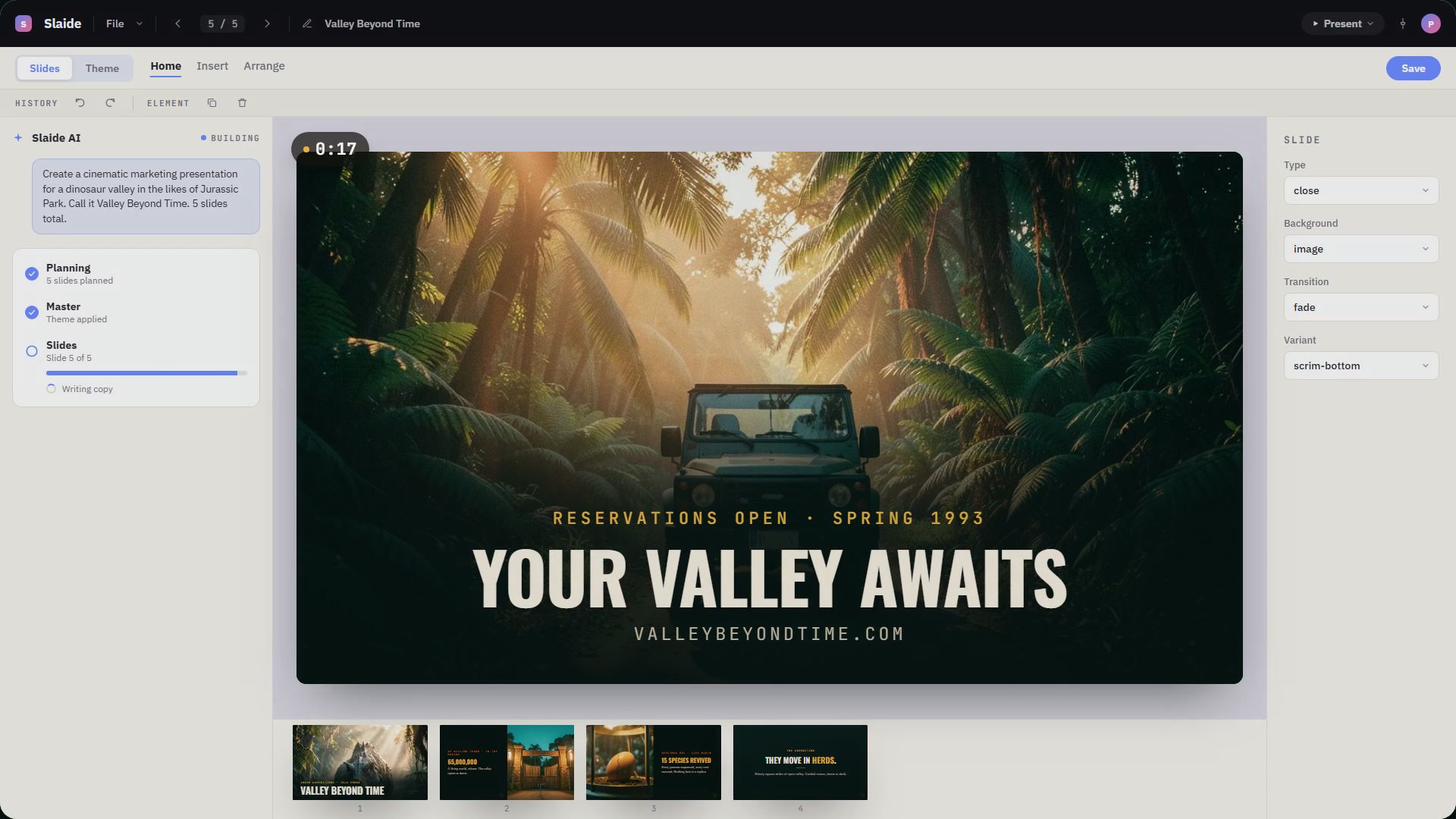
The WYSIWYG editor is closed source. It is free once you sign in with a Slaide account. The desktop viewer is open source and free. The only paid part is the cloud AI that designs decks for you.
Who is this actually for?
Three groups, in the order they show up:
Developers who already keep everything else in git and find it strange that the deck is the one artifact that cannot be reviewed. Teams who generate decks programmatically - weekly metrics, customer reports, anything where a human assembling slides by hand is a waste of a human. And people building with agents, who want a deck as an output format that a model can actually produce.
If you make a living designing beautiful bespoke presentations, this is not aimed at you and I would not try to convince you.
How do you start?
Install the core, write a file, render it.
npm install -g @aivorynet/slaide
slaide export deck.slaide --pptx out/deck.pptx
That is the whole loop. slaide build writes the web deck and slaide export --pdf writes the PDF.