
Generating Slide Decks From a Script
Some decks are worth automating because nobody wants to build them by hand: the same ten slides every Monday with new numbers, a customer deck that is 90% template, a CI job that produces a status deck the way it produces a test report.
That is hard when the deck format needs a GUI to write. It is ordinary once the deck is a text file, because generating a string from data is a problem every language already solves.
The basic pattern
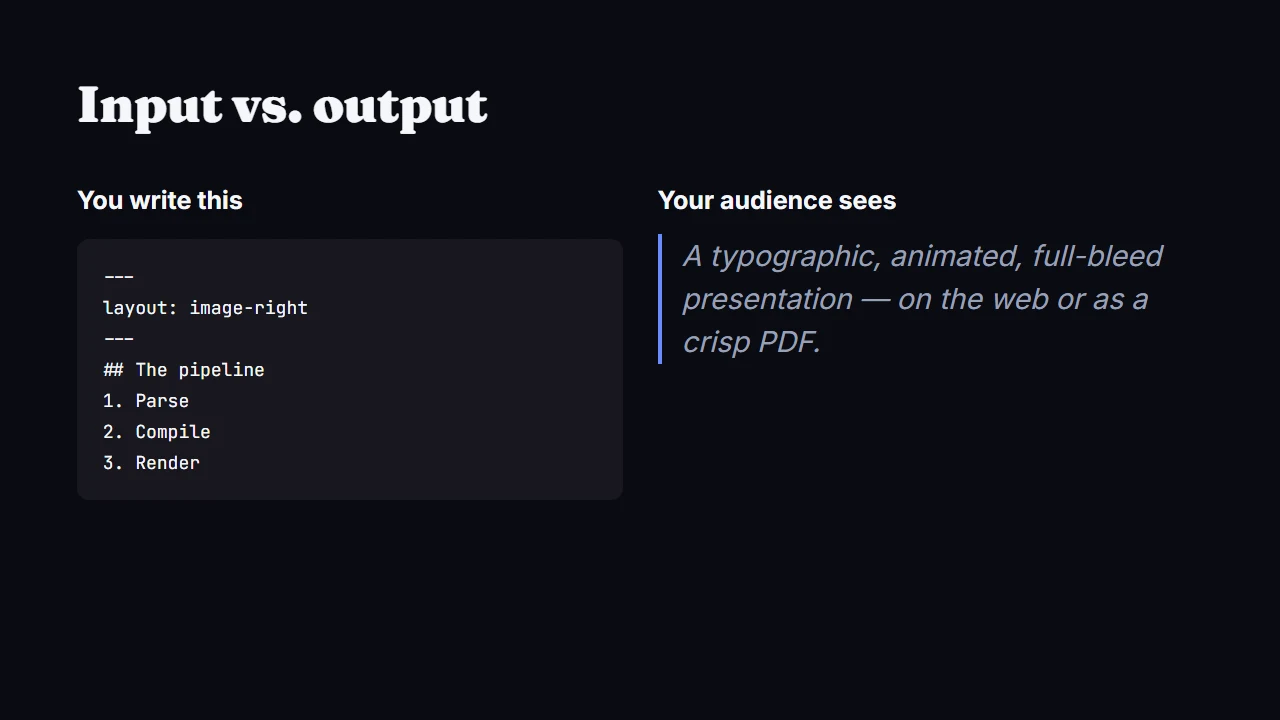
A .slaide file is Markdown for the words, plus a small config block at the top. The file structure docs describe it. Templating one is string substitution. All numbers below are made up:
import subprocess
from string import Template

TEMPLATE = Template("""---
title: Weekly report
---
## Weekly report - $week
MRR: $$$mrr, up $growth% week over week
---
## What changed
$changes
""")

deck = TEMPLATE.substitute(
    week="Aug 25",
    mrr="18,400",
    growth="3.1",
    changes="- New onboarding flow\n- Trial length cut to 7 days",
)

with open("weekly.slaide", "w") as f:
    f.write(deck)

subprocess.run(["slaide", "export", "weekly.slaide", "--pdf", "weekly.pdf"], check=True)
That is the whole mechanism. Pull the numbers from wherever they live, merge them into the template, export. The CLI reference lists every command. Export uses headless Chromium, so run npx playwright install chromium once.
Pulling real numbers in
Instead of hardcoding the numbers, a script can fetch them from a billing API. This sketch uses a placeholder URL:
#!/usr/bin/env bash
set -euo pipefail

mrr=$(curl -s "$BILLING_API/mrr" | jq -r '.value')
growth=$(curl -s "$BILLING_API/growth" | jq -r '.pct')

sed -e "s/@@mrr@@/$mrr/" -e "s/@@growth@@/$growth/" \
  template.slaide > weekly.slaide

slaide export weekly.slaide --pdf weekly.pdf
slaide export weekly.slaide --pptx weekly.pptx
Two output formats from one source. Sometimes the report goes into an email as a PDF. Sometimes someone wants to edit a slide before a meeting. The CLI reference says the .pptx export is editable PowerPoint with real text, shapes and images.
Customer decks from a template
Same idea, one more layer. A sales deck has six slides of fixed pitch and two slides that need the customer’s name, logo path and numbers. Keep the fixed slides in the template and treat the variable ones as a small data file:
customers = load_csv("pipeline.csv")
for row in customers:
    deck = TEMPLATE.substitute(
        name=row["company"],
        logo=row["logo_path"],
        savings=row["projected_savings"],
    )
    path = f"decks/{row['slug']}.slaide"
    write(path, deck)
    subprocess.run(["slaide", "export", path, "--pptx", f"decks/{row['slug']}.pptx"], check=True)
The load_csv and write helpers are placeholders. The point is that one loop replaces duplicating a PowerPoint file and hoping you changed every instance of the old customer’s name.
In CI
Export is a CLI command, so it works as a normal build step. A status deck becomes a build artifact, like any other generated file:
- name: Export status deck
  run: |
    npm install -g @aivorynet/slaide
    npx playwright install chromium
    slaide export status.slaide --pdf status.pdf
- uses: actions/upload-artifact@v4
  with:
    name: status-deck
    path: status.pdf
Agents generating decks directly
The getting started guide says Slaide ships an agent skill and an MCP server. A model can write the .slaide file itself, with no template. That suits one-off decks with no recurring shape: “make me a five-slide summary of this quarter’s numbers.” The docs say the agent validates the deck, looks at a rendered montage of it, and fixes problems. You still review the result. It is plain text editing on the model’s end, which is why this works. That is my view of why: a text file is easy for a model to write, and a binary .pptx is not.
Here is the limit. This suits content-heavy decks, and it stays out of your way as long as the layout stays simple. If you need a hand-designed slide in the middle of a generated deck, generate the rest and build that one separately. To try it, start at getslaide.com.